
[ CASE STUDY // BUSINESSES ]
Business Office IT Setup
Computers, Microsoft 365, Wi-Fi, printer sharing, shared files and a backup plan for an office team.
KENYA · PUBLISHED · AREACODEZERO://PROJECTS
Request a similar project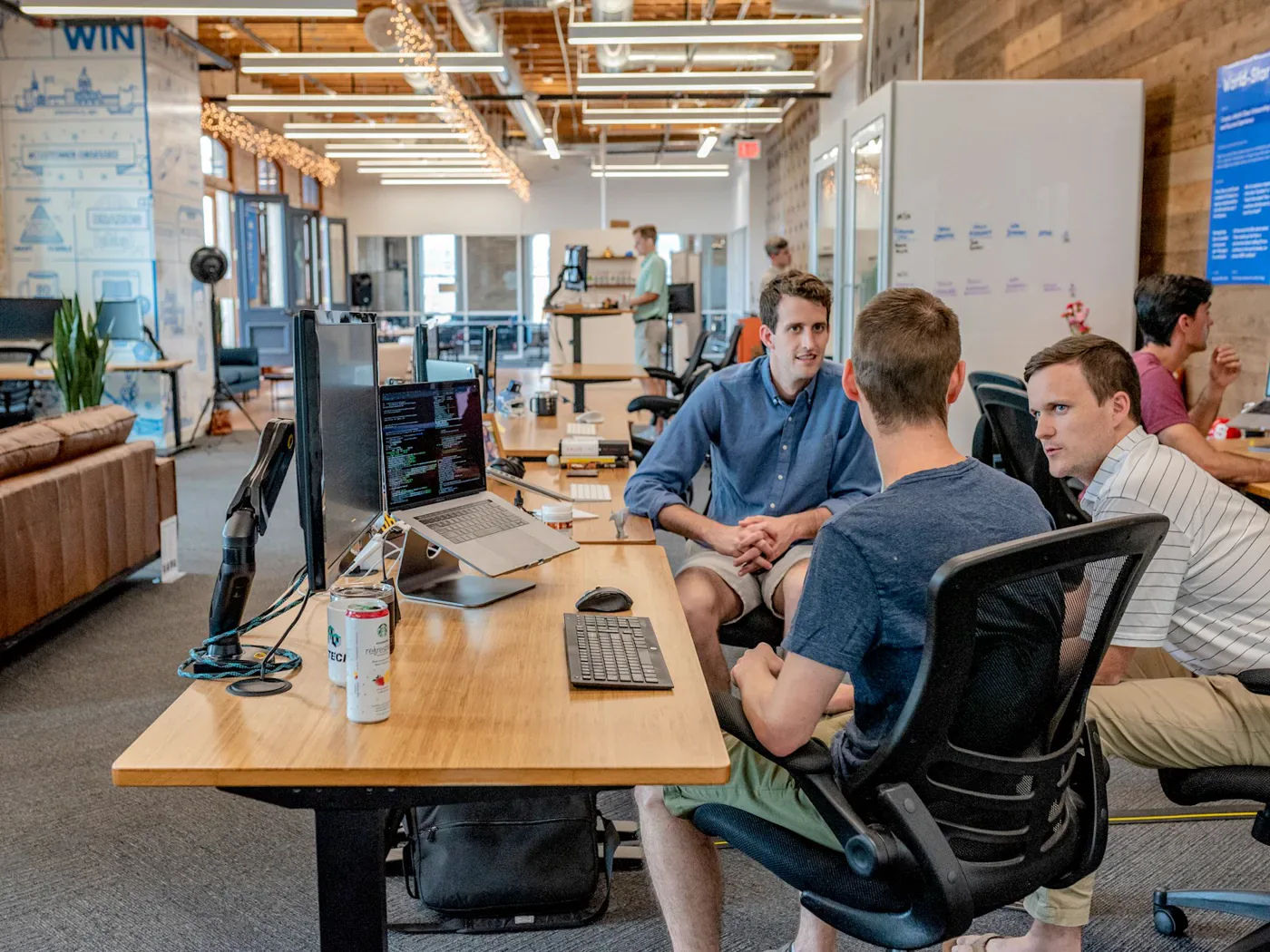
Scope of work
What the office kept on day one
Hardware can be replaced. What makes an office setup last is the pack left behind — every machine, account and routine written down.
[ BEFORE // FRAGILE ]
- Personal laptops, files scattered per machine
- Shared logins, licensing confusion
- No central storage, no access control
- No backup — one dead drive from data loss
- Onboarding by whoever had a free hour
[ AFTER // DOCUMENTED ]
- Standard-imaged business machines, inventoried
- Microsoft 365, one licensed account per user
- Structured shares with role-based access
- Daily backup routine, restore-tested
- New hire productive in under a day
[ BUILT FOR KENYAN OFFICES ]
KRA eTIMS-ready desks
Invoicing machines set with correct dates, compliant records filed in one shared folder — no end-month scramble across personal laptops.
M-Pesa till reconciliation
Till statements and sales records reconciled from the same structured library — the accountant stops chasing screenshots on WhatsApp.
Kenya Power cut-safe
Autosave + daily backups mean a blackout costs minutes, not documents. Machines shut down clean on UPS, work resumes where it stopped.
Fibre-cut failover habit
When the estate fibre drops, the team hotspots from a documented failover routine instead of losing the whole morning — email and files stay reachable.
DOC-01
Machine inventory
Every workstation listed with user, specs and setup date. Any unit replaceable.
DOC-02
Access matrix
Who can open what, by role. No shared passwords.
DOC-03
Backup schedule
What backs up, where, when — plus restore test log.
DOC-04
Onboarding checklist
Box to productive in under a day, no shadowing needed.
How this project supports business continuity
Reliable Systems
Well-configured hardware and networks keep your team productive and your operations running.
Reduced Downtime
Local technical support and responsive maintenance minimise operational interruptions.
Operational Efficiency
Right-sized systems use resources better, require fewer repairs and perform consistently.
Frequently asked questions
Similar work from AREACODEZERO

Church Media Transformation
OBS setup, mixer routing, vocal clarity, camera capture and YouTube/Facebook workflow for a growing congregation.
Network Security Deployment
MikroTik firewall, VLANs, guest Wi-Fi, bandwidth control and remote admin access for a multi-room office.

School Computer Lab & Wi-Fi Setup
A computer lab, campus Wi-Fi, staff email and shared storage for a school administration team.
Services that make projects like this possible
Computer Sales & Setup
Laptops, desktops, workstations, accessories and office bundles supplied ready to work with professional setup.
Networking & Security
MikroTik, Ubiquiti and Cisco: VLANs, secure Wi-Fi, guest networks, VPNs, firewalls and bandwidth control.
Cloud & Business Email
Microsoft 365, Google Workspace, Azure, Nextcloud, domain/DNS, email migration and cloud file systems for teams.
Websites & E-Commerce
WordPress, WooCommerce, landing pages, business websites, marketplace pages and ongoing maintenance.
Start Your Project
Turn this case study into your solution.
Tell us about your technology or media requirements and we'll prepare a professional assessment and quotation.